Skip to content
Quantil Documentation
Show History of a Transport
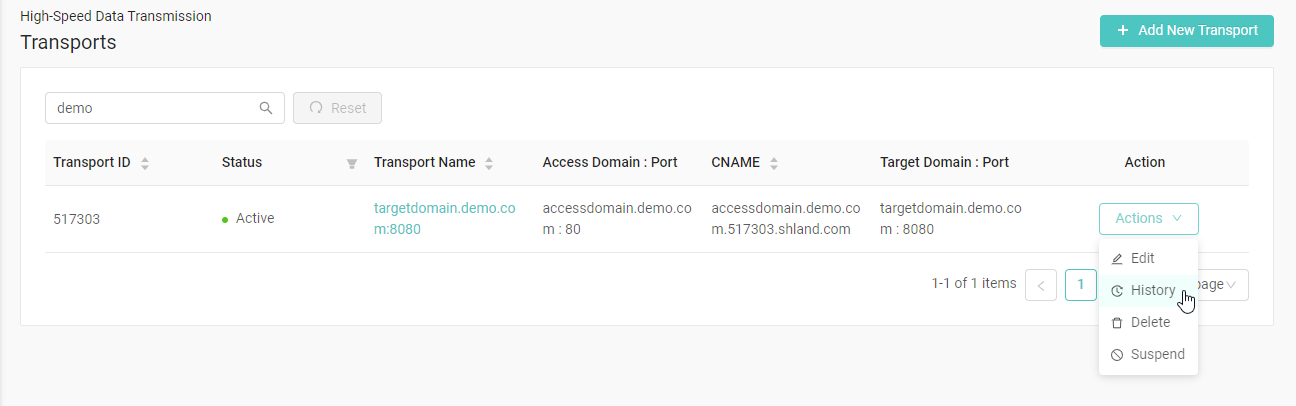
- Click Transports in the left pane to display the Transports page.
- Click the Action button on the transport you want to show history and select Show History. If the transport is not in the current page, you can search for it in the search box.
Compare Selected Versions
-
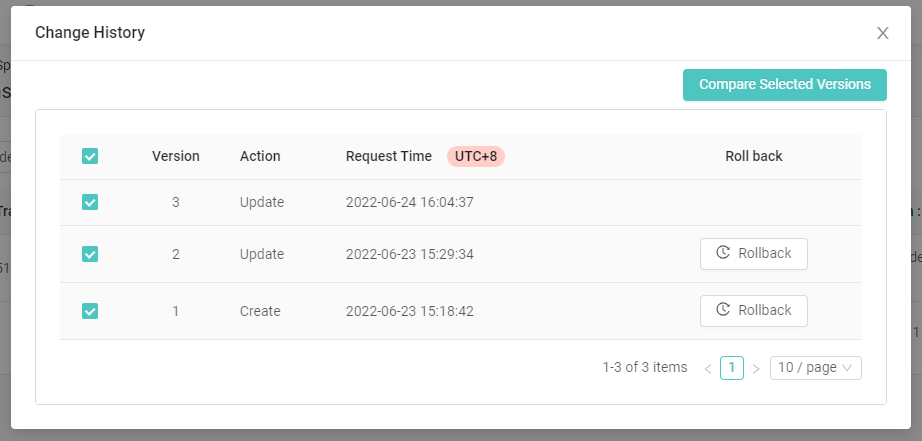
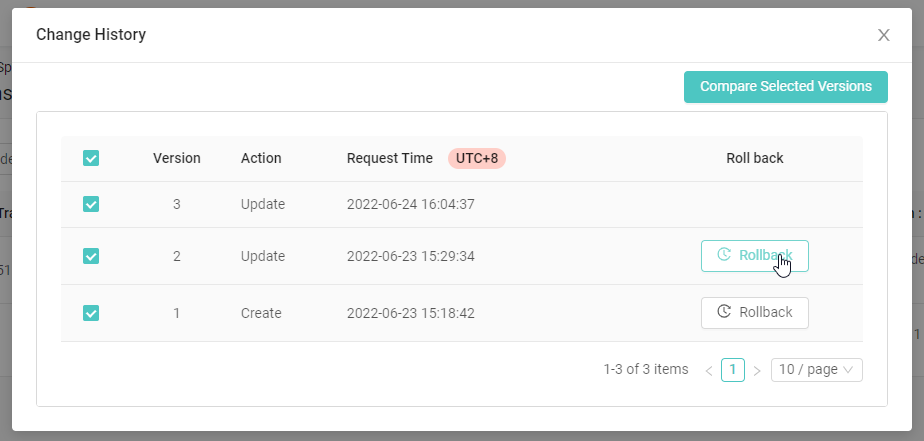
In the Change History window, select the versions you would like to compare and click Compare Selected Versions.
-
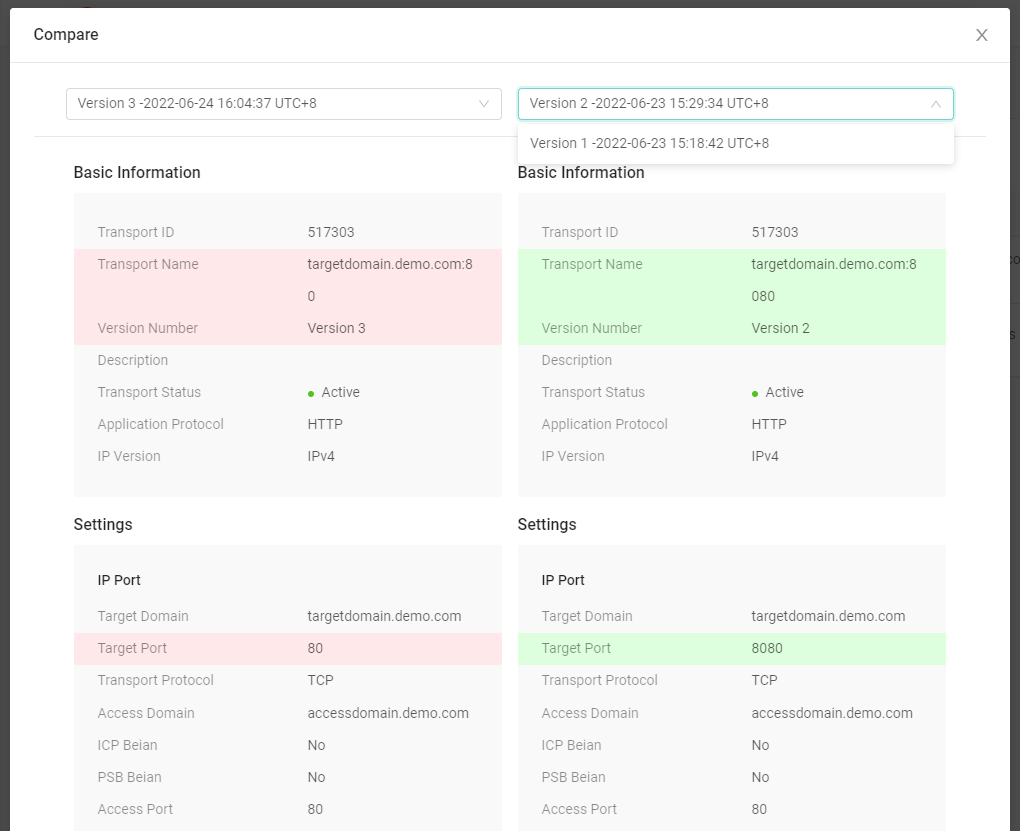
In the Compare window, you can compare the configurations between the versions you picked from the versions drop-down box. The differences are highlighted in color.
Roll back
-
In the Change History window, select the versions you would like to roll back to and click Rollback.
-
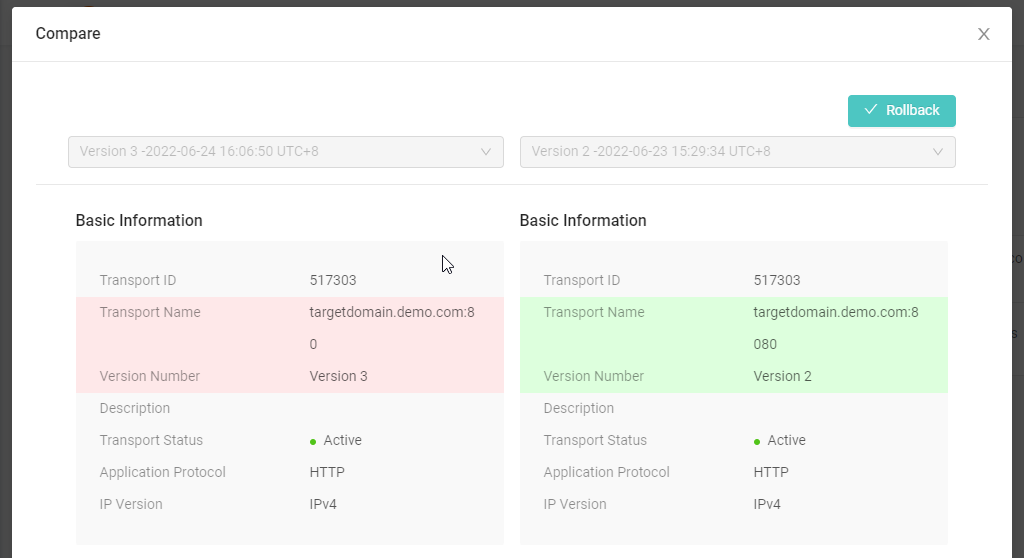
In the Compare window, Click ✓ RollBack.