Quantil Documentation
Copy a Transport
For the transport with a range of ports, you can create a new transport by copying an existing transport and then changing the configuration of the copied transport to suit your requirements.
-
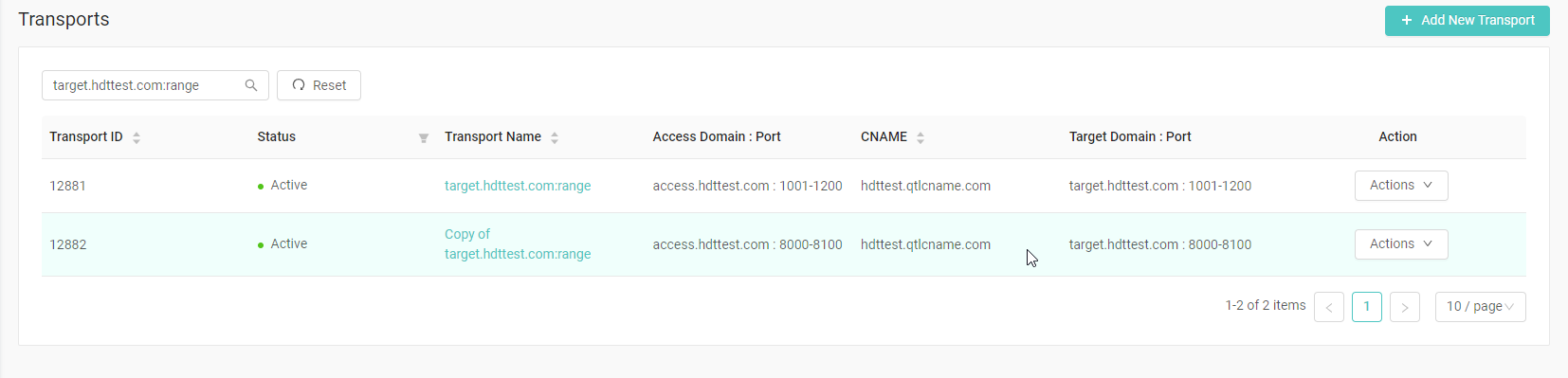
In the left pane, click Transports to display the Transports page.
-
Click the Action button on the transport you want to copy and select Copy. If the transport is not in the current page, use the search box to find it.

-
When prompted, change the settings of the copied transport to suit your requirements. You must specify a new port range.
Note: The new port range cannot exceed 200. Ports 2012, 2013, 2014, 2018, 2098, 2500, 4101, 14101, and 57891 are reserved by the HDT platform. You can specify these ports in your port range, but they will not take effect.
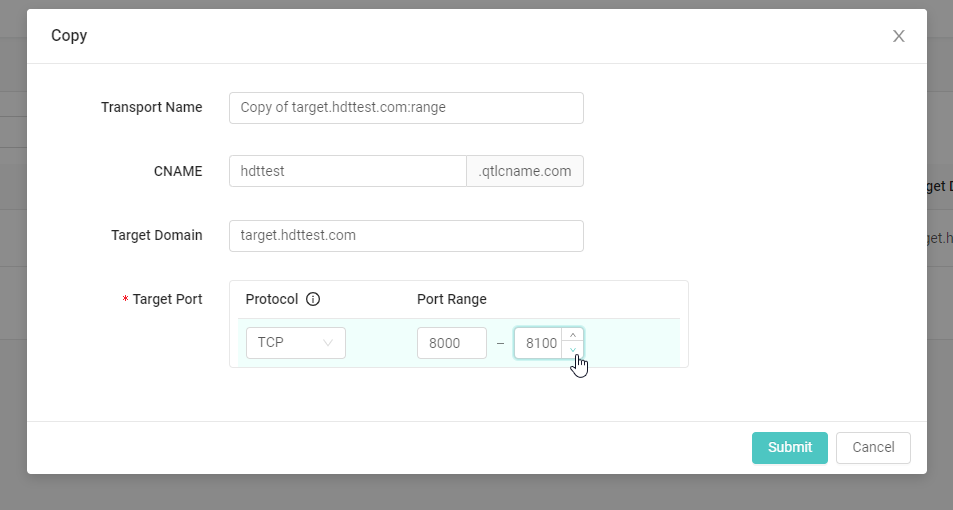
- Confirm the changes by clicking the Submit button. A new transport with the specified configuration is created.