Skip to content
Quantil Documentation
Delete a Transport
- Click Transports in the left pane to display the Transports page.
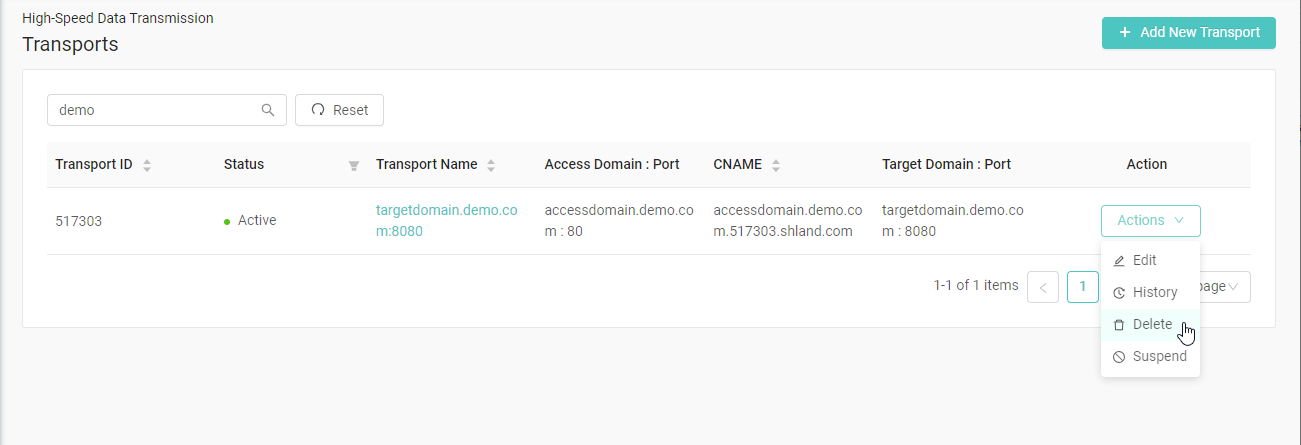
- Click the Action button on the transport you want to delete and select Delete. If the transport is not in the current page, you can search for it in the search box.
- When prompted to confirm the deletion, click Yes, delete! to delete the transport.
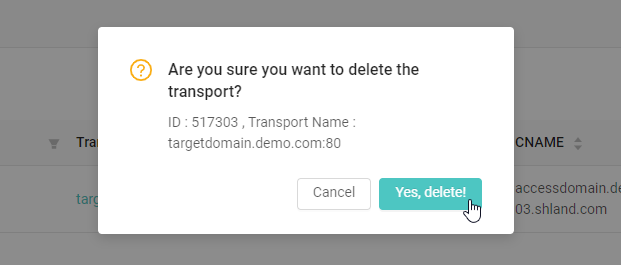
Note: Deleting a transport will remove all resources associated with the transport.