Skip to content
Quantil Documentation
Reports
Clicking Reports in the left pane displays the Reports page.
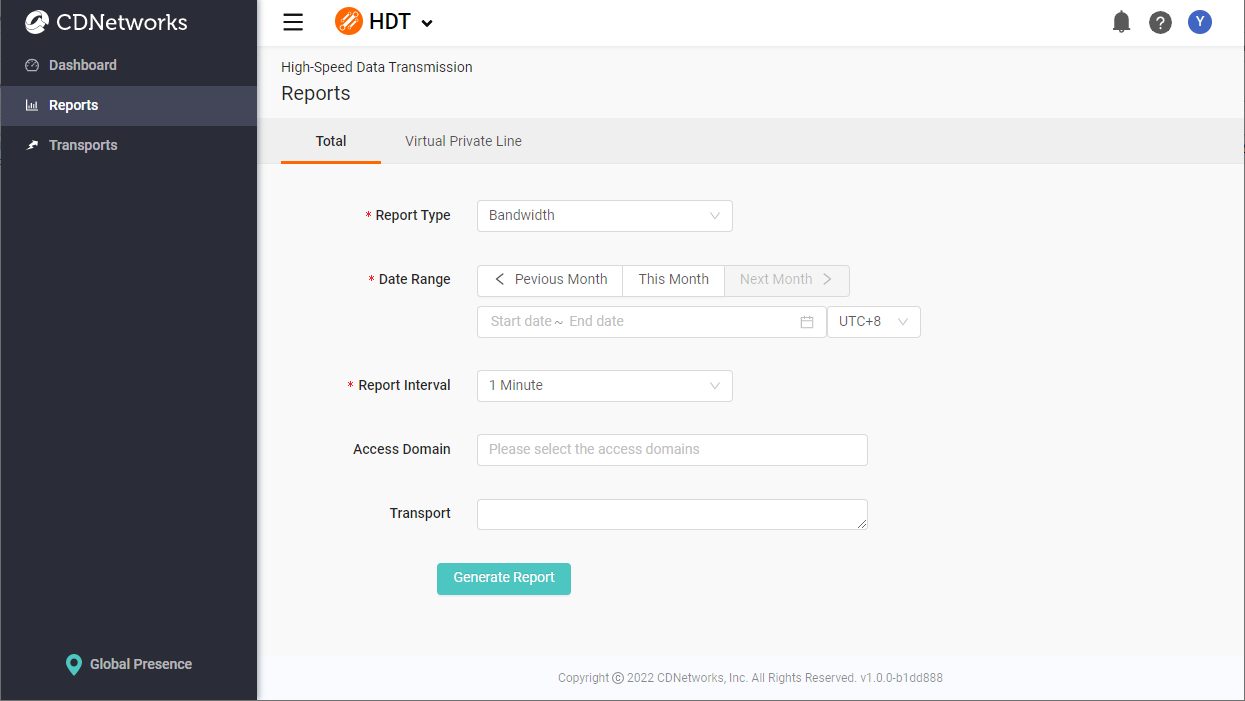
If you are a paid customer of Virtual Private Line usage, you can switch between the Total and Virtual Private Line dashboard by clicking the selection button at the top-right corner.
Generating Reports
- Fill out the fields in the Reports form. Required fields are denoted by an asterisk (*).
- Click the Generate Report button to generate the report.
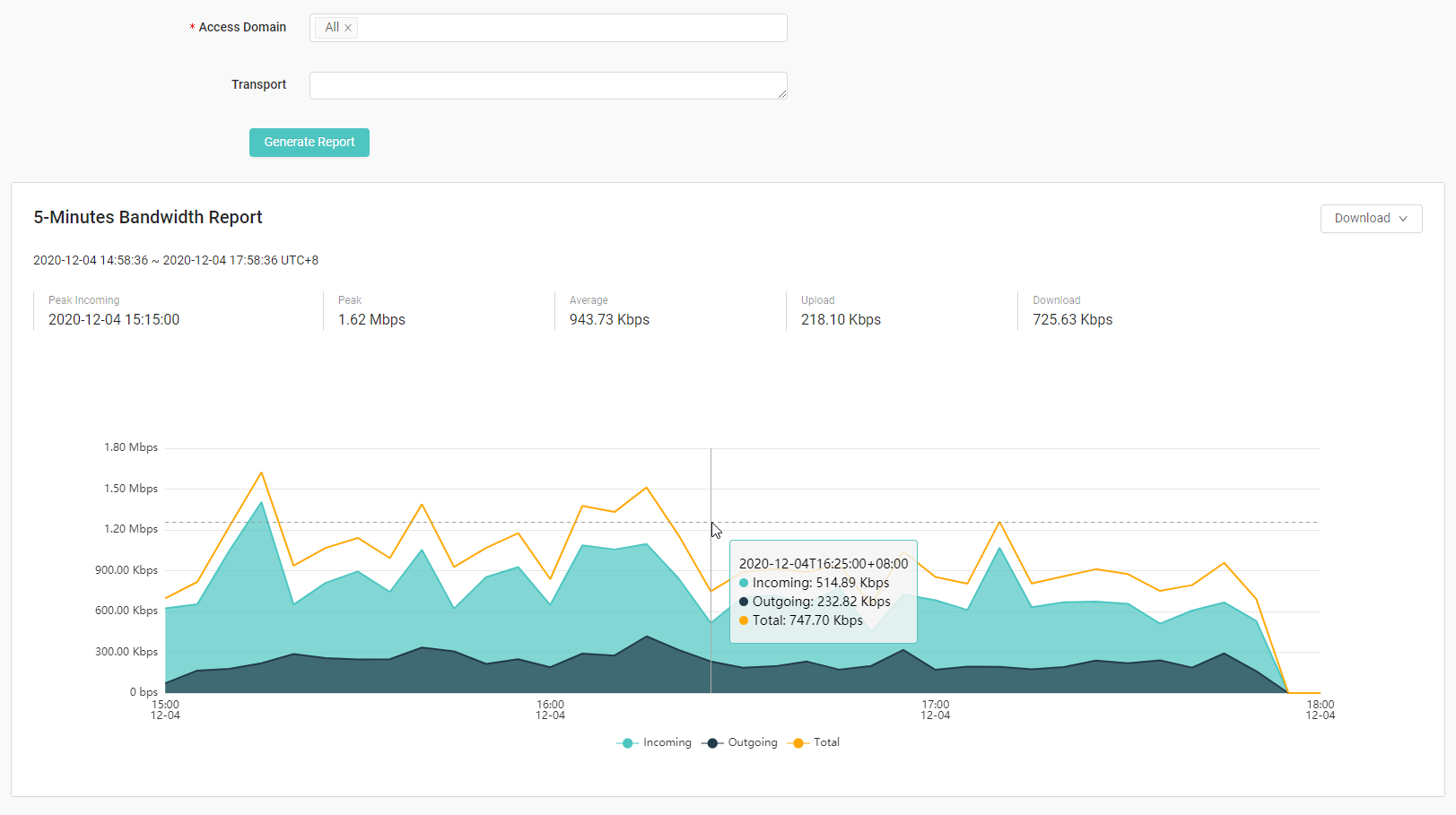
- Hovering your cursor over the data points in a chart displays detailed information. The default time zone in the tooltips is from the local browser time. You can overwrite it by changing the timezone in user info settings.
- To download the report, click the Download button at the top-right of the report. JPEG, PNG, and PDF formats are supported.