Skip to content
Quantil Documentation
Edit a Transport
- Click Transports in the left pane to display the Transports page.
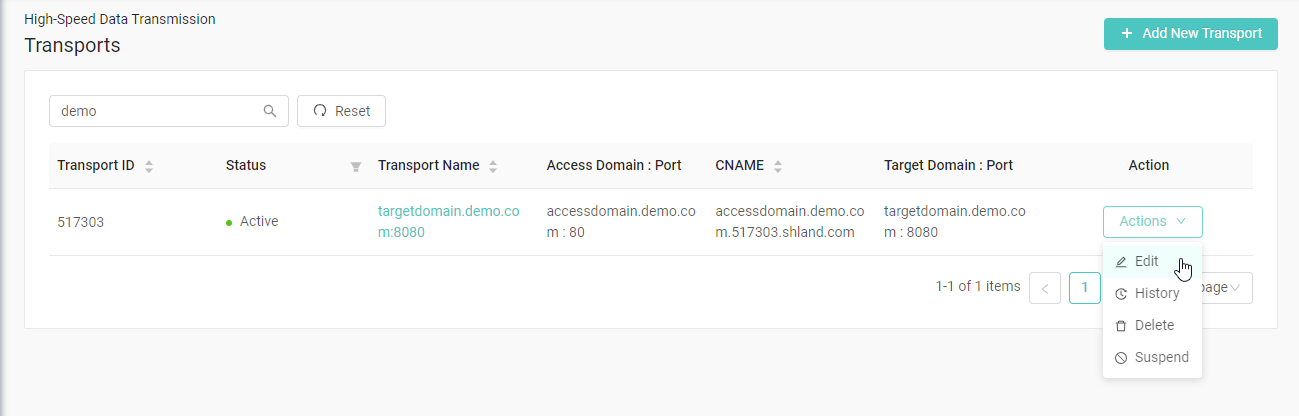
- Click the Action button on the transport you want to edit and select Edit. If the transport is not in the current page, you can search for it in the search box.
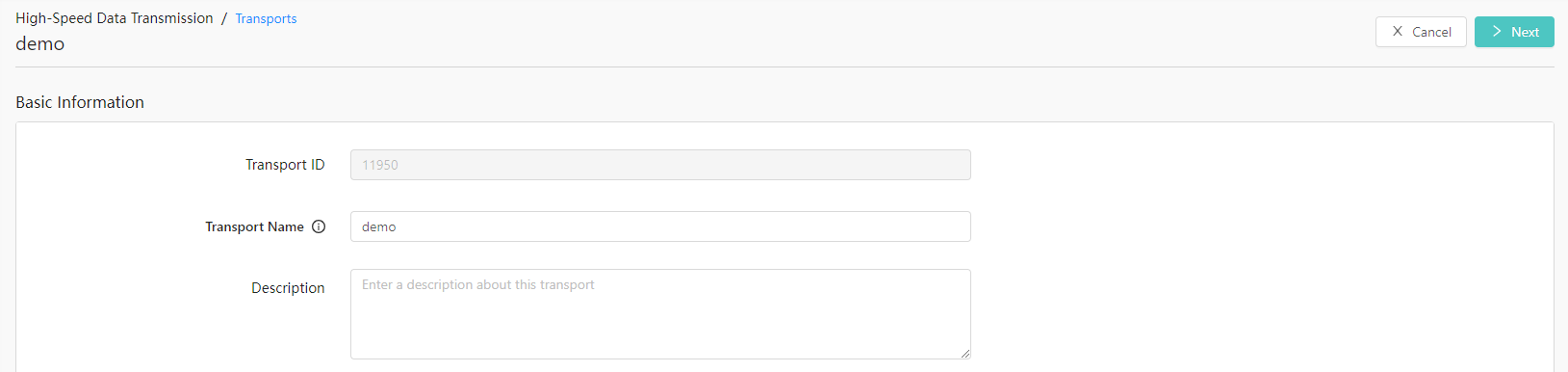
- Edit the settings and then click the Next button in the top-right corner of the page.
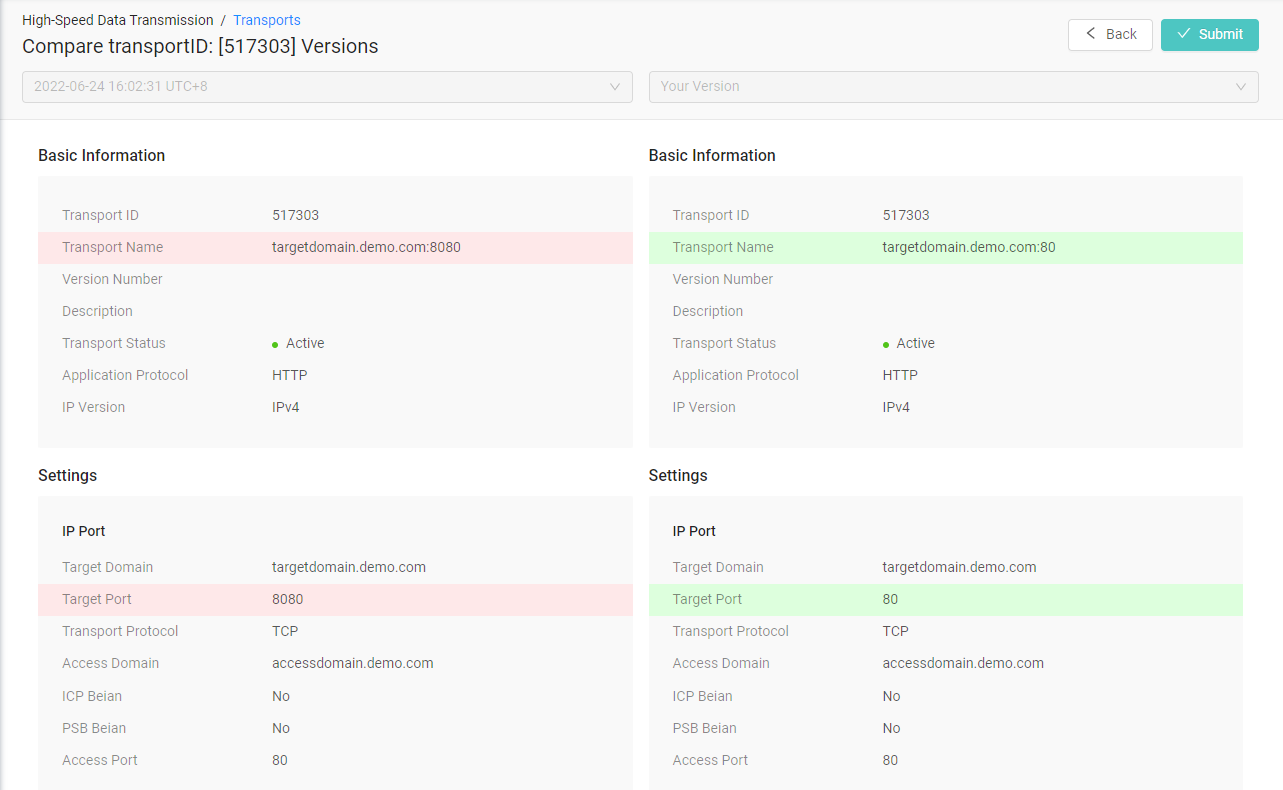
- Confirm the changes by clicking the Save button in the Compare Transport Versions page.