Skip to content
Quantil Documentation
Dashboard
The Dashboard page is the default page that appears when you log in to the HDT portal. You can return to the page by clicking Dashboard in the left pane.
The Dashboard contains charts that show a snapshot of your account traffic over a recent period of time.
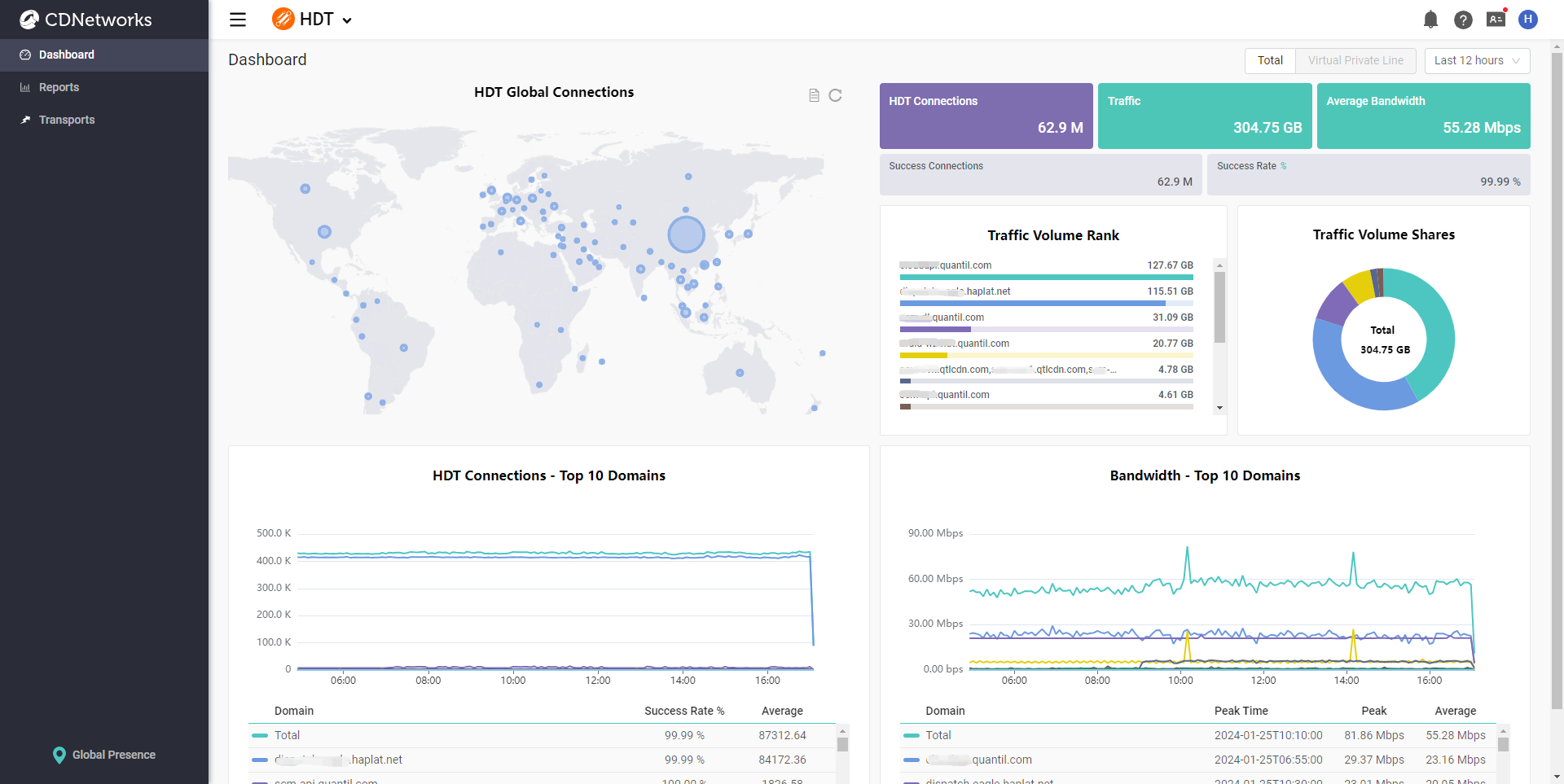
If you are a paid customer for Virtual Private Line usage, you can also switch between the Total and Virtual Private Line dashboard by clicking the selection button at the top-right corner.

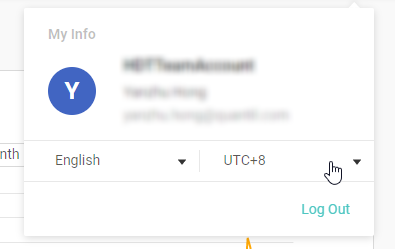
The default time zone in the tooltips is from the local browser time. You can overwrite it by changing the timezone in User Info settings.